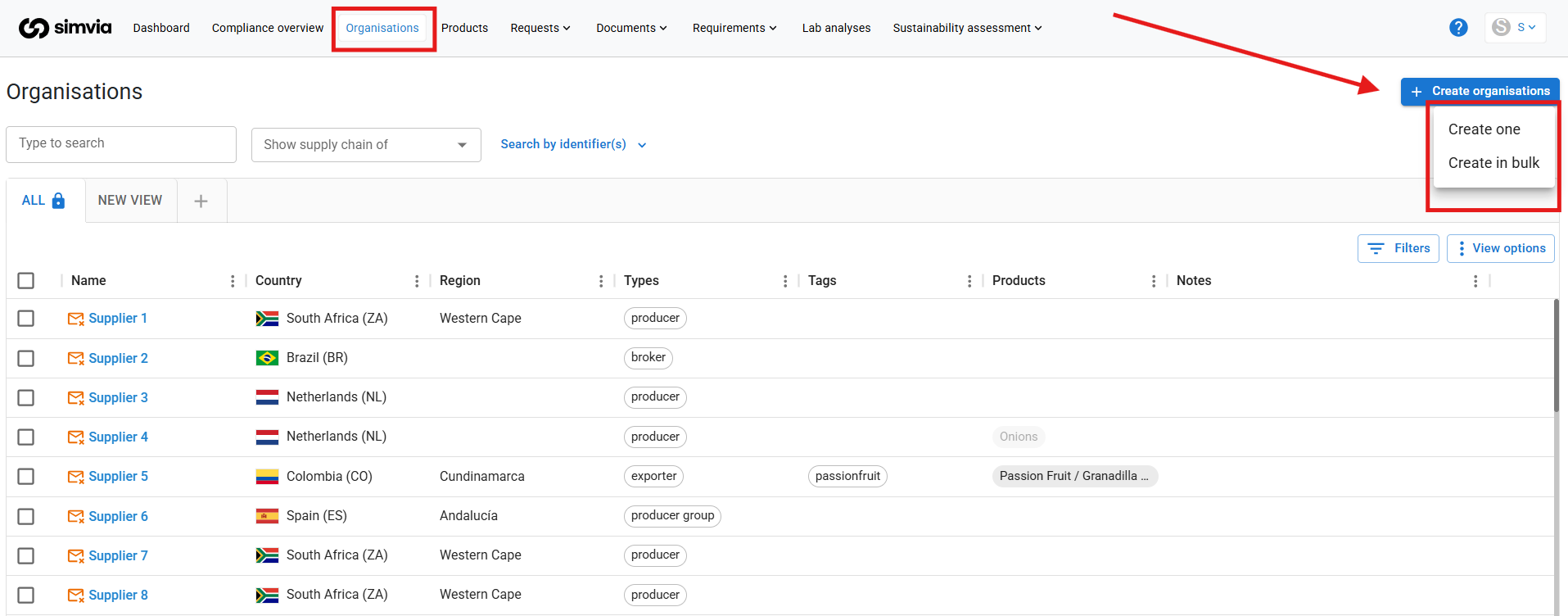
When setting up Supply Chain Approval in Simvia, we recommend following a specific order. This ensures that all data can be connected correctly and avoids rework later in the process.
This article focuses on the first step: adding organisations.
Recommended setup order
To build a consistent and usable Supply Chain Approval setup, we suggest configuring your account in the following order:
- Organisations
- Products
- Documents
- Requirements
Starting with organisations provides the structure needed to link documents, products, and requirements to the correct companies later on.
What organisations represent
Organisations are the companies in your supply chain, such as suppliers, manufacturers, or other business partners. All compliance-related information in Supply Chain Approval is connected to these companies. For this reason, organisations must be added before moving on to the next steps.
How to add organisations
Simvia offers two ways to add organisations, depending on your needs:
- Single upload, for adding companies one by one
- Bulk upload, for importing multiple companies at once
Choose the option that best fits the size and maturity of your supply chain.