
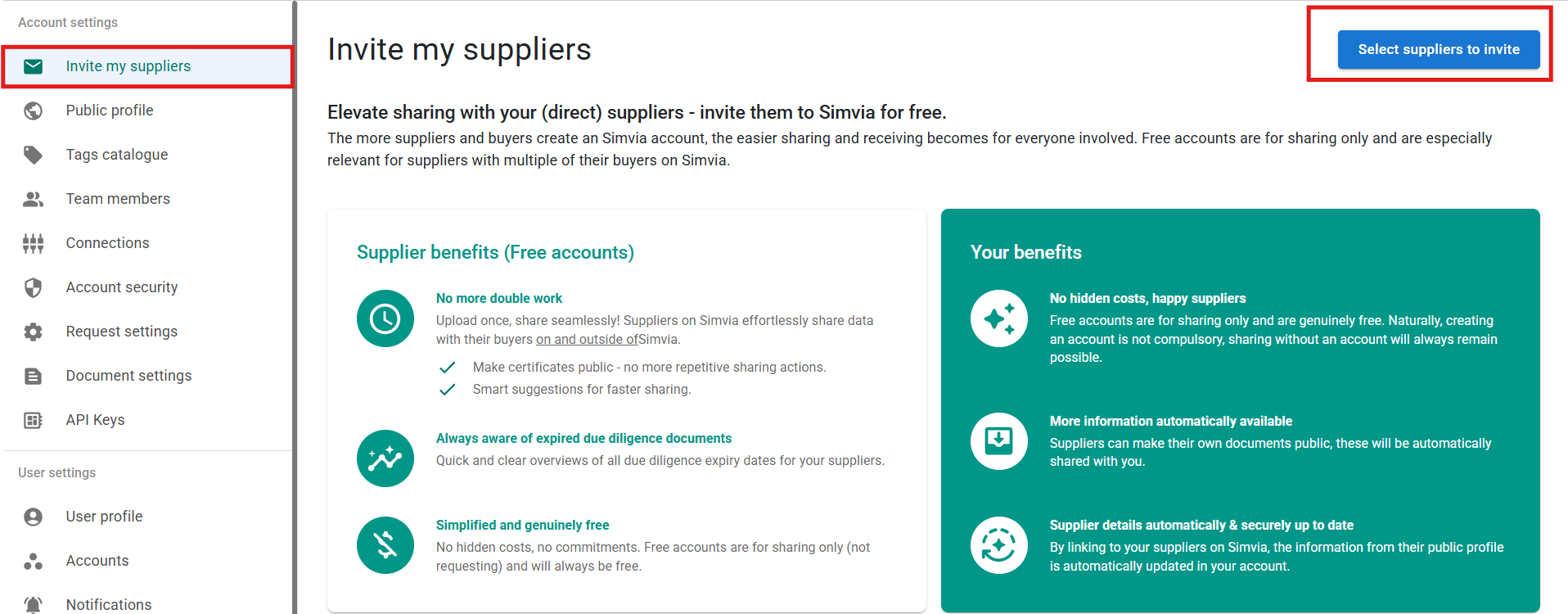
The Invite my suppliers tab allows you to invite your (direct) suppliers to join the platform for free. Inviting suppliers improves collaboration, simplifies document sharing, and reduces repetitive work.
When suppliers create a free account, they can:
- Upload documents once and share them with multiple buyers
- Make documents public for automatic sharing
- Stay informed about expiring documents
For you, this means:
- Fewer manual document requests
- Automatic access to shared public documents
- Up-to-date supplier information when linked
To invite suppliers:
- Go to Account settings
- Open Invite my suppliers
- Click Select suppliers to invite
- Choose the suppliers and send the invitation
Creating a free account is optional for suppliers, but it improves efficiency and transparency for both sides.