
The User profile tab allows you to manage your personal account information and security settings. These settings apply only to your individual user account, not the entire company account.
You can access this section from User settings → User profile.
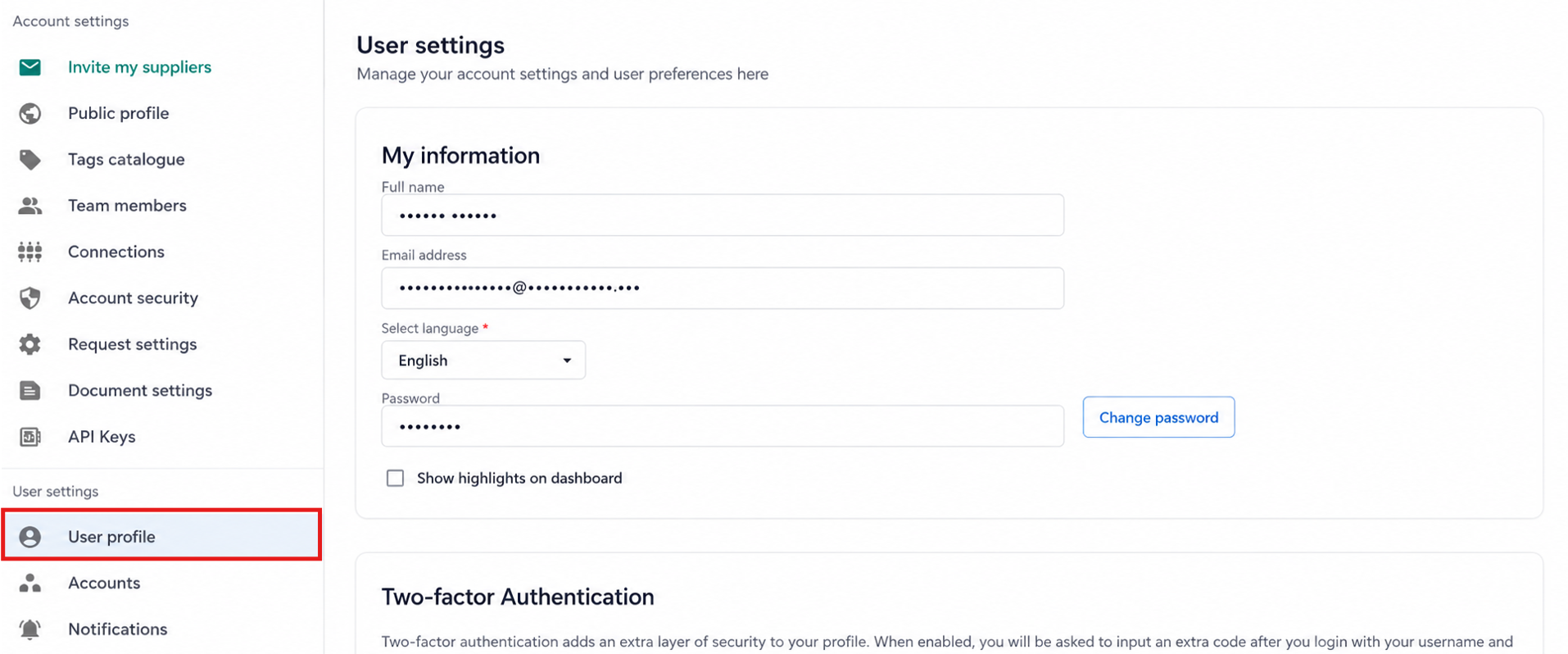
My information
In the My information section, you can manage your personal account details, including:
-
Full name
-
Email address
-
Language preference
-
Password
To update your password, click Change password and follow the instructions.
Show highlights on dashboard
You can enable or disable Show highlights on dashboard. This controls whether summary indicators and visual highlights appear on your Dashboard when you log in.
Two-factor authentication
Two-factor authentication (2FA) adds an extra layer of security to your account.
When enabled:
-
After entering your email and password, you must also enter a verification code.
-
The code is generated using an authenticator app on your phone.
You can enable or disable two-factor authentication unless your company requires it.
If 2FA is enforced at account level, you will not be able to disable it individually.
Delete user profile
This section allows you to permanently delete your user account.
Important:
-
Deleting your profile removes your access to the company account.
-
If you are the only Owner, another Owner must be assigned before deletion.
-
This action cannot be undone.
Use this option only if you no longer need access to the platform.
Best practices
-
Keep your contact details up to date
-
Enable two-factor authentication for increased security
-
Review your personal settings regularly
Managing your user profile helps ensure your personal access and security settings remain accurate.